

 Alexandro
Table of Contents
Yes, Claude Code, Cursor, Codex and agents like Muse or OpenClaw can post to LinkedIn, to your personal profile and to the company Pages you manage. Connect LinkedIn in PublishQ, add the PublishQ MCP server to your agent, and ask it to post.
claude mcp add --transport http publishq https://publishq.com/mcpAfter you approve it in the browser, "Post this to my LinkedIn profile and to our company Page, shorter on the Page" is one request. The questions below are the ones people ask right after that.

What is a LinkedIn MCP server?
It's a set of tools your AI app can call to publish on LinkedIn: list your accounts, upload a photo or a video, create a post now or at a set time. MCP (Model Context Protocol) is the standard that Claude Code, Cursor, Codex, Claude and ChatGPT all use to call tools like these. PublishQ's server is hosted at https://publishq.com/mcp, so you add a URL instead of installing anything.
Can it post to a company Page, or only my profile?
Both. When you connect LinkedIn, PublishQ adds your personal profile plus every Page where you're an admin or content admin, each as its own account. Your agent sees them all when it calls publishq_list_accounts, with the names next to the IDs, so "the company Page" is easy for it to pick.
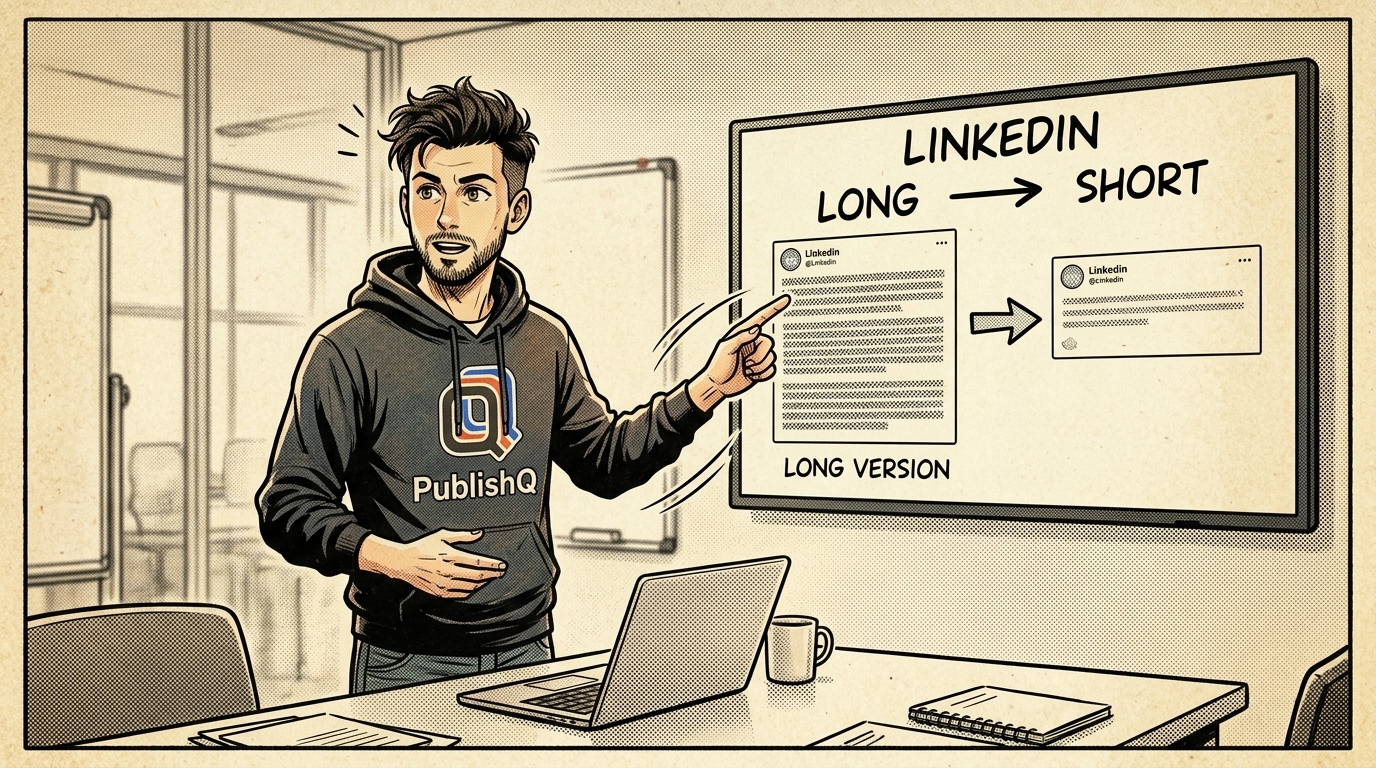
How do I post the same update to both, with different wording?
Put both accounts in one post and give one of them its own text with postOverrides:
{
  "content": "Three things I got wrong about scheduling, and what I do now.",
  "accounts": [
    {
      "accountId": "11112222-3333-4444-5555-666677778888",
      "platformSpecificSettings": { "visibility": "PUBLIC" }
    },
    {
      "accountId": "99990000-1111-2222-3333-444455556666",
      "postOverrides": { "content": "Short version, with the link." }
    }
  ],
  "scheduledAt": "2026-11-11T07:30:00Z"
}
The first account is the profile, the second is the Page. Your agent builds this from a sentence; you only need to know it's possible.
What can I post?
Text up to 3,000 characters, up to 20 photos in one post, or one MP4 video. Photos and video don't go in the same post. PublishQ converts and compresses photos for LinkedIn, so screenshots and exports work as they are. The LinkedIn limits page has every number in one place.
Can I keep a post to my connections only?
On your personal profile, yes. Set visibility to CONNECTIONS. Leave it out and the post is public. Company Page posts are always public, because that's how LinkedIn Pages work.
Can it schedule posts for the morning?
Yes. Give the post a scheduledAt time, like the 07:30 example above. Until then you can edit it or cancel it, and the LinkedIn scheduler shows your queue on a calendar. Leave out both scheduledAt and publishNow and the post is saved as a draft, which is a good habit while you get used to an agent writing for you.
How do I check how it will look before it goes out?
Paste the text into the LinkedIn post previewer. It shows the post the way LinkedIn will, so you can fix the opening line before anyone sees it. For image posts, the LinkedIn carousel generator helps you design the slides.
How do I add it to Cursor or Codex?
In Cursor, add the hosted server to ~/.cursor/mcp.json:
{
  "mcpServers": {
    "publishq": { "url": "https://publishq.com/mcp" }
  }
}
In Codex, sign in once with npx @publishq/cli@latest login, then run codex mcp add publishq -- npx -y @publishq/mcp@latest. The Cursor LinkedIn page, the Codex LinkedIn page and the Claude Code LinkedIn page each have prompts that suit that client.
I manage LinkedIn for several clients. Does that work?
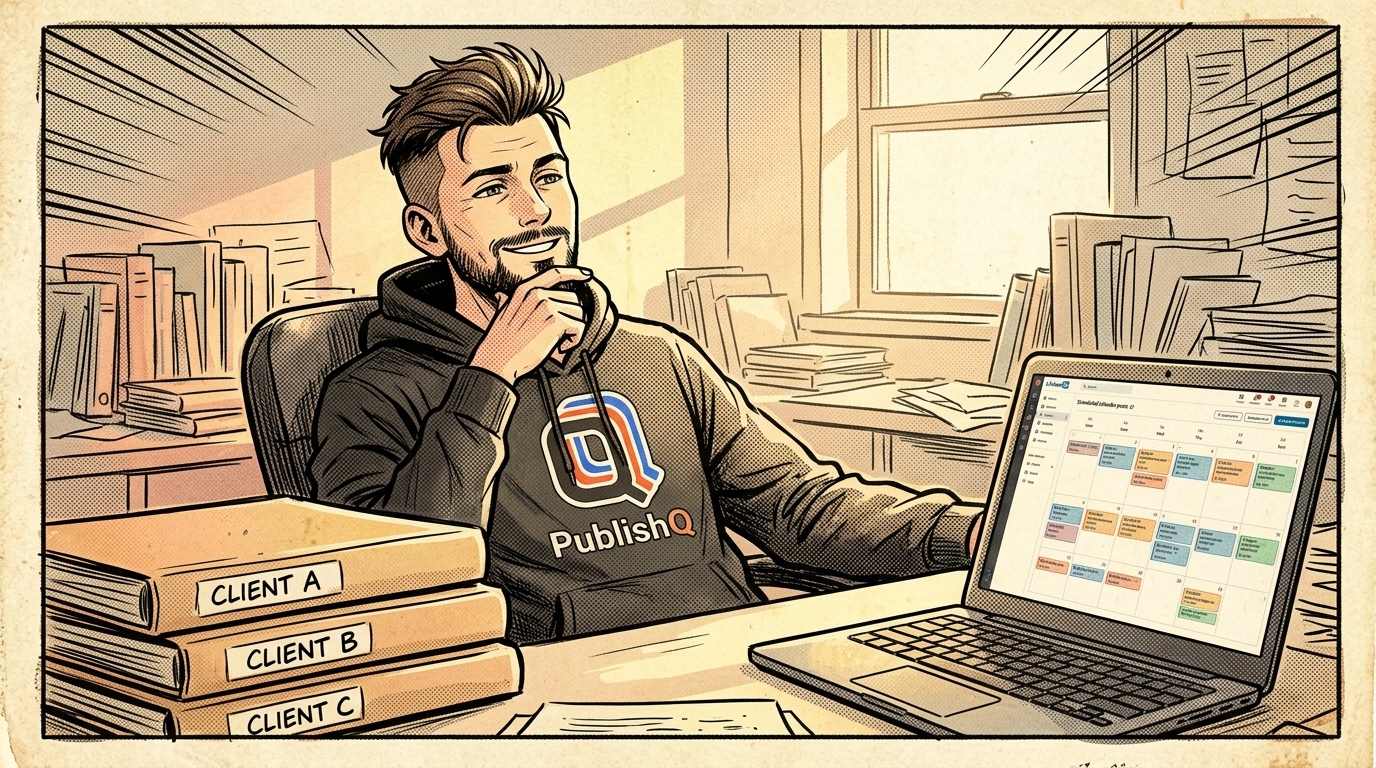
Group each client's accounts into a workspace, and tell the agent which workspace to post to. The same server also posts to every other platform you connect, so a launch can go to LinkedIn, X and Threads in one call. The Instagram MCP guide shows the Instagram side.
I use Muse, OpenClaw or another agent. Does it work?
Yes. Any agent that can use MCP tools or run a command can post to LinkedIn through PublishQ. These pages have the setup for each:
| Agent | Guide |
|---|---|
| Muse | LinkedIn from Muse |
| OpenClaw | LinkedIn from OpenClaw |
| Hermes Agent | LinkedIn from Hermes Agent |
| Manus | LinkedIn from Manus |
| Kiro | LinkedIn from Kiro |
| Gemini CLI | LinkedIn from Gemini CLI |
| Claude Cowork | LinkedIn from Claude Cowork |
For an agent that isn't listed, open publishq.com/agents and copy the line at the top of that page into your agent. It reads the page, sets itself up, and gives you a link to approve the login in your browser.
Where's the full reference?
Every LinkedIn field is in the LinkedIn API guide, and every tool is in the MCP docs.
To try it, create a PublishQ account, connect LinkedIn, and ask your agent to save your next post as a draft.