Solid Background Remover
Clear a solid background of any colour in about a second, with no AI model to download. Nothing is uploaded and the PNG keeps its full quality.
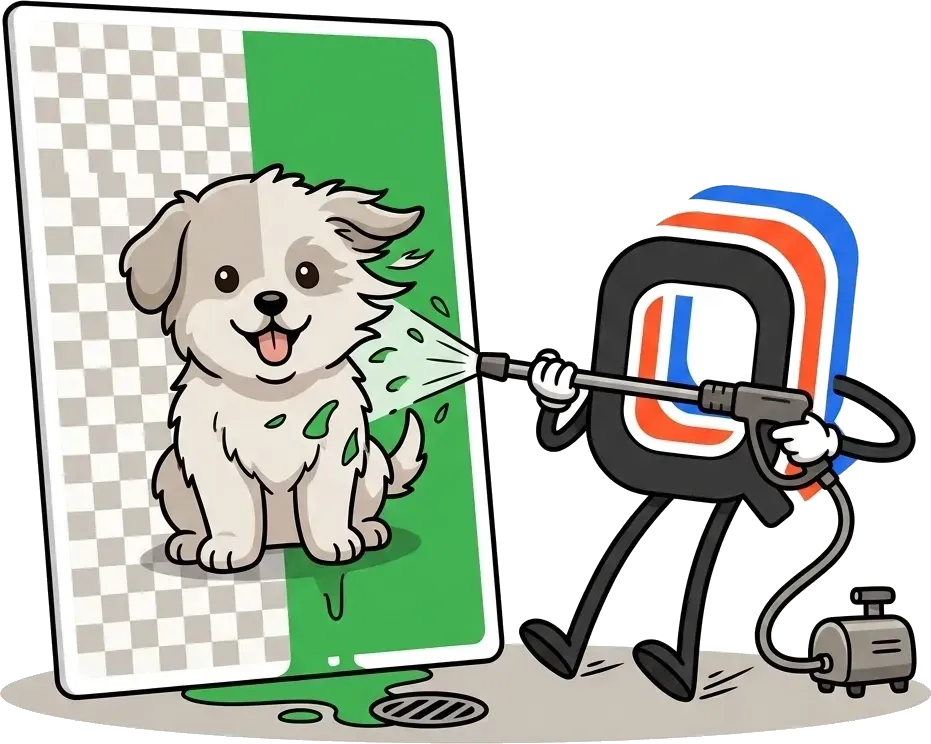
This one runs instantly and has no model to download. It works when the background is a single flat colour that touches the edge of the picture.
Why this one is instant and the AI one is not
This tool asks a question it can answer with arithmetic. Is this pixel the same colour as the corner of the image, and is it joined to that corner? It starts at all four corners at once and spreads inwards while the answer stays yes. There is no model, so there is nothing to download and nothing to wait for. A twelve-megapixel image is done before you have let go of the mouse.
The catch is that it has no idea what a subject is. Give it a photo of someone standing in a street and there is no single background colour to match, so it either clears almost nothing or eats into the person. That is not something to tune around. It is the difference between matching a colour and recognising a subject, and for those images the AI background remover is the right tool, at the cost of a one-time model download and a few seconds of work.
Images this handles perfectly
Anything rendered or shot against one flat colour, and the colour itself does not matter. Logos and wordmarks exported onto white, app screenshots, icons, charts, diagrams, scanned line art, product photography against a coloured studio sweep. In all of those the background really is a single value, so the result is not an approximation of a good cutout. It is the exact one, down to the pixel. Nothing is downscaled and nothing is watermarked, because there is no paid version of this to protect.
Two things decide whether it will work on your image, and you can check both by eye. The background has to touch the edge of the picture, because that is where the fill starts. And it has to be reasonably even. A subtle gradient or a photographic texture needs the tolerance raised, and past a certain point raising it starts taking the subject's own highlights with it.
Using the tolerance slider
- Start low and climb. A clean export against one flat colour usually needs almost nothing. Raise the slider a few points at a time and stop as soon as the last fringe disappears.
- Watch the parts of your subject that are close to the background colour. The first sign of going too far is a white shirt, chrome or paper inside the subject turning transparent on you.
- Check the edge against the checkerboard. A pale ring is invisible on a white page and obvious against the transparency pattern.
- A JPG needs more tolerance than a PNG. JPG compression leaves faint blotches in what used to be a perfectly flat background, so a value that works on a PNG export can leave speckles here.
Once you have the transparent PNG, drop it into the carousel generator, check it in the post previewer, and schedule it everywhere at once with PublishQ.
This tool is free, forever. No accounts, no paywalls, no catch.
I build these solo. If you want to support my work, donating a coffee would be highly appreciated! ☕
Frequently Asked Questions
Everything you need to know about Solid Background Remover from PublishQ
No credit card required • Set up in under 3 minutes
Similar Tools
Explore more tools to enhance your social media content creation
Carousel generator
Make a carousel post in your browser. Pick a template, write the slides, download them at full size. No signup, no watermark, no design skills.
Captions Generator
Add animated word-by-word captions to a video and burn them into a new MP4, or export SRT, VTT, ASS and iTT. Runs in your browser, with no watermark.

AI Background Remover
Cut the background out of a photo without uploading it anywhere, then download the full-quality transparent PNG. No downscaled preview, no signup.

Post Previewer
See exactly how your posts will look on Twitter, Instagram, LinkedIn, TikTok, and more before you publish. No signup required.
Online Teleprompter
Read your script straight down the lens while the words scroll themselves. Open it on a second device, and your phone becomes the remote.
Media Downloader
Paste a link to a post and save the photo or video behind it. One click, free, with no ads and nothing to install.
YouTube Thumbnail Downloader
Paste a YouTube link and every size of its thumbnail appears at once, up to the full 1280 by 720. Save any of them, with no watermark.


me 👋
Hi, I'm Alexandro 👋
I left my Software Engineer role at Amazon to build tools that solve real problems, the kind big companies ignore because they read spreadsheets instead of using their own products.
I was spending over an hour daily just scheduling 2 shorts across 3 platforms: logging in, reformatting, uploading one by one. That felt broken. So I built PublishQ . Now I create 4 shorts in 3 minutes and schedule them to 4 platforms in under 30 seconds.
PublishQ is bootstrapped. No investors, no vanity metrics. I build what actually helps you, because I use it every day myself.
Thank you,
Alexandro
Transparent PNG ready. Now schedule it.
Use PublishQ to publish it everywhere you post from a single calendar. No more uploading the same file five times.
Connect Your Accounts
Add once, use forever
Schedule Posts
Plan your content ahead
Multi-Platform
Post everywhere at once
No credit card required • Set up in under 3 minutes
Plans from $14/mo
2 months free on yearly billing. Upgrade or cancel anytime.
- Free
- $0/mo
- Solo
- $14/mo
- Starter
- $29/mo
- Professional
- $49/mo
- Business
- $99/mo
Explore related
All Your Media in One Place
Drop in videos up to 4 GB and images up to 50 MB, find any file by name, type or size, and attach it to any post. Carousels and captioned videos land here too.
Write Once, Post Everywhere
Write one post, add photos and watch it take shape for Facebook, Instagram, Threads and every other platform as you type. Then publish everywhere at once.