
 Alexandro
Table of Contents
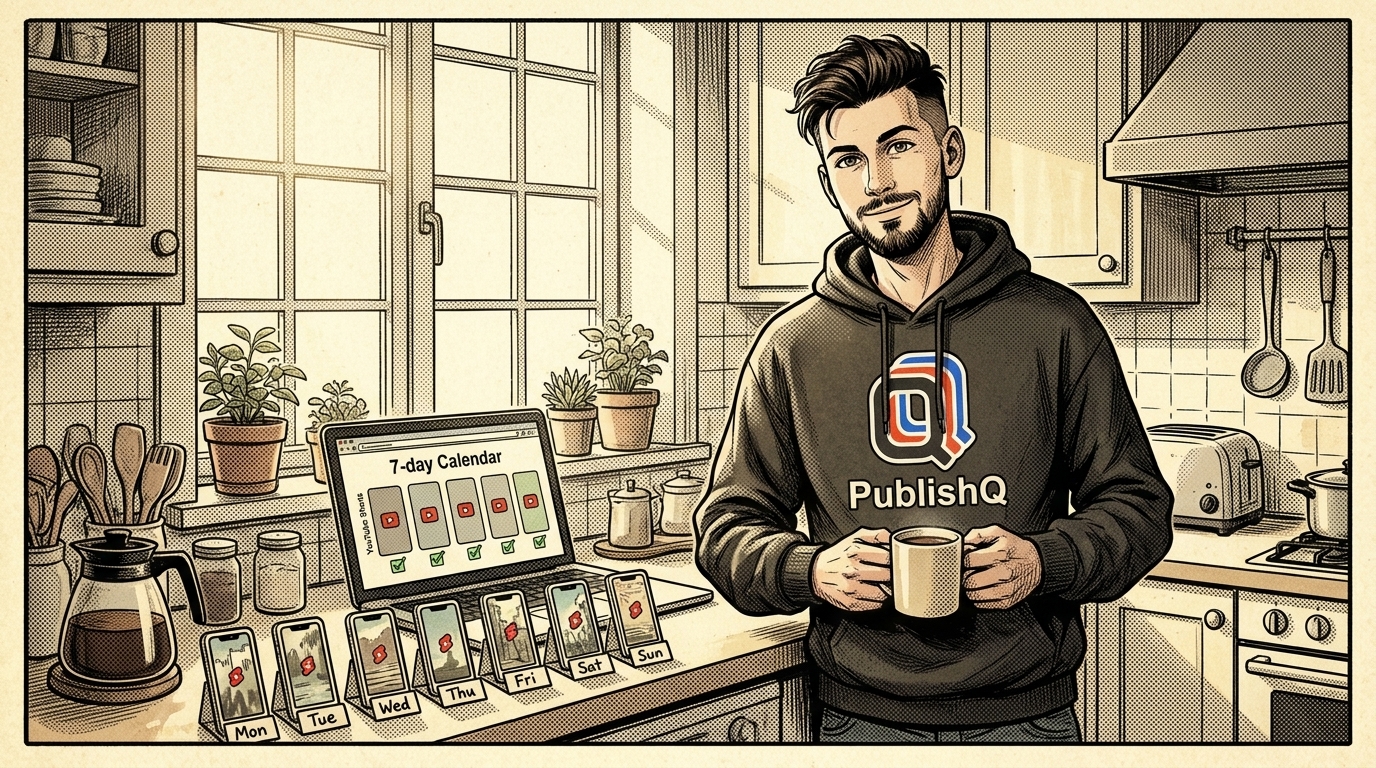
To post YouTube Shorts automatically, make a batch of seven once a week and schedule one per day. Create them with AI video creation in PublishQ or cut them from a long video, watch each one, then hand the week to an AI agent (or the PublishQ dashboard) with one Short per day at a set time. From then on the Shorts go out on their own, and you can still edit or cancel any of them until its time comes.
The week, in one table
This is the routine. Most of the work happens on one day, and the other six days take a couple of minutes each. The minutes are a realistic target for a solo creator, not a rule.
| Day | What you do | Minutes |
|---|---|---|
| Sunday | Make seven Shorts (AI video creation, clips from a long video, or talking-head takes) | 60 to 90 |
| Sunday | Add captions and check each one against the Shorts safe zone | 20 |
| Sunday | Upload the batch into this week's media folder | 5 |
| Sunday | Ask your agent for a plan, approve the titles and times, let it schedule | 10 |
| Monday to Saturday | Open the calendar, check that today's Short went out, reply to comments | 2 to 5 |
| Saturday | Note which Shorts did well and plan next Sunday's topics | 15 |
That's roughly two hours on Sunday and a few minutes a day after that.
YouTube's own advice points the same way. Its Shorts upload schedule page asks creators to pick a frequency they can sustain over the long term and to stay consistent, and it suggests filming Shorts in batches and saving them as drafts until you're ready to upload1. It does not give a magic number of Shorts per day, so I won't either. Seven a week is one you can keep up.
Sunday, part 1: make the seven Shorts
Every Short needs to be a vertical or square video of three minutes or less. YouTube treats any such upload as a Short, so there's no switch to flip2. Three ways to fill the week:
AI video creation. In PublishQ, open AI video creation, type a prompt or pick a template, and AI generates an image for each scene. The template renders the vertical video, and you preview it and edit what you don't like. Seven prompts on a theme ("seven mistakes new runners make, one per Short") give you a week.
Clips from a long video. If you already publish long videos, each one usually has a few moments that stand alone. Cut them to 9:16 in your editor. YouTube's same help page recommends turning clips of your existing videos into Shorts as a low-effort way to post often1.
Talking-head takes. Write seven short scripts, open the teleprompter in the browser and read them one after another while the camera runs. Your phone can be the remote, so you can start and pause the scroll without leaving the frame.
If a Short uses realistic AI-generated scenes, YouTube requires you to disclose it3. PublishQ has a containsSyntheticMedia setting on each YouTube post for this, and your agent can set it for you. Animated or clearly unreal scenes don't need the label3.
Sunday, part 2: captions and framing
Captions keep a Short readable for anyone scrolling with the sound off. Run each clip through the captions generator, which burns word-by-word animated captions into the MP4 in your browser. Burned-in captions stay with the file, so the same video works on TikTok and Reels later.
Then drop one frame of each Short into the YouTube Shorts safe zone checker. It shows which parts of the frame the Shorts player covers with its buttons and text, so you can move captions that sit too low. The page also has a green-screen JPG and a transparent PNG template you can lay over your edit.
This is also when you watch all seven, start to finish. Scheduling is automatic. Deciding what goes out is still your job.
Sunday, part 3: one folder per week
Give every week its own folder in the media library, for example Shorts/2026-W47. A folder is created the first time you upload a file into it, and you can see it in the web app. Next month, when you want to repost a Short that did well, you know where it is. The media folders docs cover renaming, moving and deleting them.
Sunday, part 4: schedule the week with one prompt
Connect PublishQ to your agent once. In Claude Code:
claude mcp add --transport http publishq https://publishq.com/mcpType /mcp, choose Authenticate and approve the login in your browser. In Cursor, add {"mcpServers":{"publishq":{"url":"https://publishq.com/mcp"}}} to ~/.cursor/mcp.json. In Codex, run npx @publishq/cli@latest login and then codex mcp add publishq -- npx -y @publishq/mcp@latest.
Then the prompt. The important part is the last sentence:
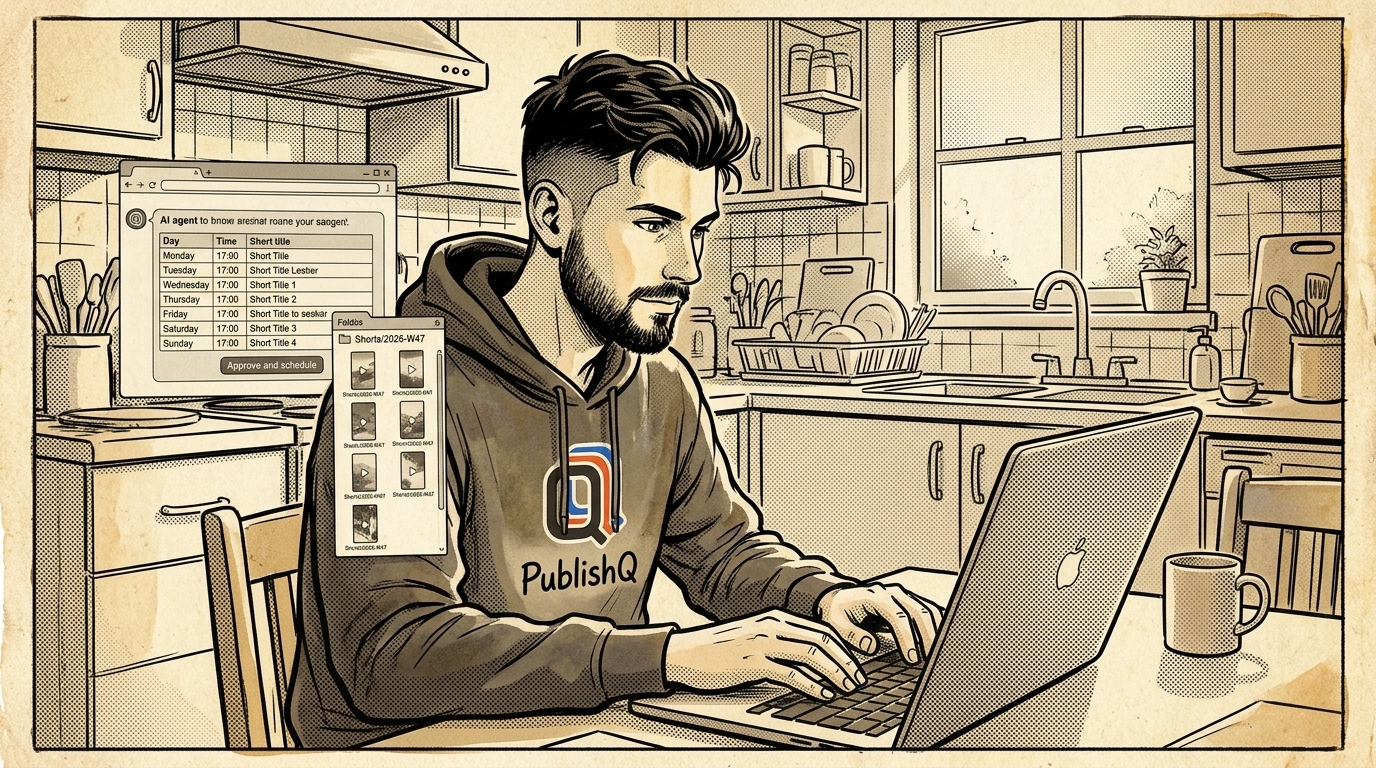
Upload the seven videos in ./week-47 to the media folder "Shorts/2026-W47". Schedule one per day on my YouTube channel at 17:00 UTC, Monday 16 November to Sunday 22 November. Use the file name as the title (under 100 characters), set madeForKids to false, and mark any realistic AI-made ones as synthetic media. Show me the seven titles, days and times as a table and wait for my OK before you schedule anything.
The agent lists your accounts, uploads the files and shows you the plan. You fix a title or swap two days, say OK, and it creates seven scheduled posts. If you'd rather review them in the dashboard first, ask it to save them as drafts instead. A post with no schedule waits in PublishQ until you schedule it. Without an agent, the dashboard does the same thing post by post: add the video, type the title, pick the day and time, click Schedule.
There's no Google Cloud project in any of this. Calling YouTube's API yourself means a project with a default allowance of 100 videos.insert calls a day, and an audit before Google will raise it4. With PublishQ you connect the channel and the uploads go through PublishQ. The API, CLI and MCP server are on every plan, the Free plan included.
The same week as a CLI loop
If you'd rather not use an agent, write the approved plan into a tab-separated file, one line per Short: file, time, title.
./week-47/mon.mp4	2026-11-16T17:00:00Z	Three stretches before a 5K
./week-47/tue.mp4	2026-11-17T17:00:00Z	Why your first mile feels awful
Then let a loop do the uploads and the scheduling. Every pq command returns JSON, so jq pulls out the IDs.
Run pq accounts list --platform YOUTUBE once and copy your channel's account ID into the loop.
npm i -g @publishq/cli && pq login
ACCOUNT=f0e1d2c3-b4a5-6789-0123-456789abcdef
while IFS=$'\t' read -r file when title; do
  media=$(pq media upload --file "$file" --folder "Shorts/2026-W47" | jq -r '.id')
  pq posts create --content "$title" --account "$ACCOUNT" \
    --media-id "$media" --scheduled-at "$when" | jq -c '{id, scheduledAt}'
done < week-47.tsv
Each printed line is one scheduled Short. The CLI docs list every flag.
The same Short on TikTok and Reels
The vertical file you made for YouTube also works on TikTok and Instagram Reels. One PublishQ post can include your YouTube, TikTok and Instagram accounts, each with its own caption, and Instagram and Facebook videos go out as Reels. For TikTok the agent first reads which privacy options your account allows, then sets them along with comments, duets and stitches.
Add one line to the Sunday prompt: "Post each one to my TikTok and Instagram too, same time, with a caption that ends in three hashtags." The TikTok scheduler and Instagram scheduler pages show what each platform gets.
Monday to Saturday: two minutes on the calendar
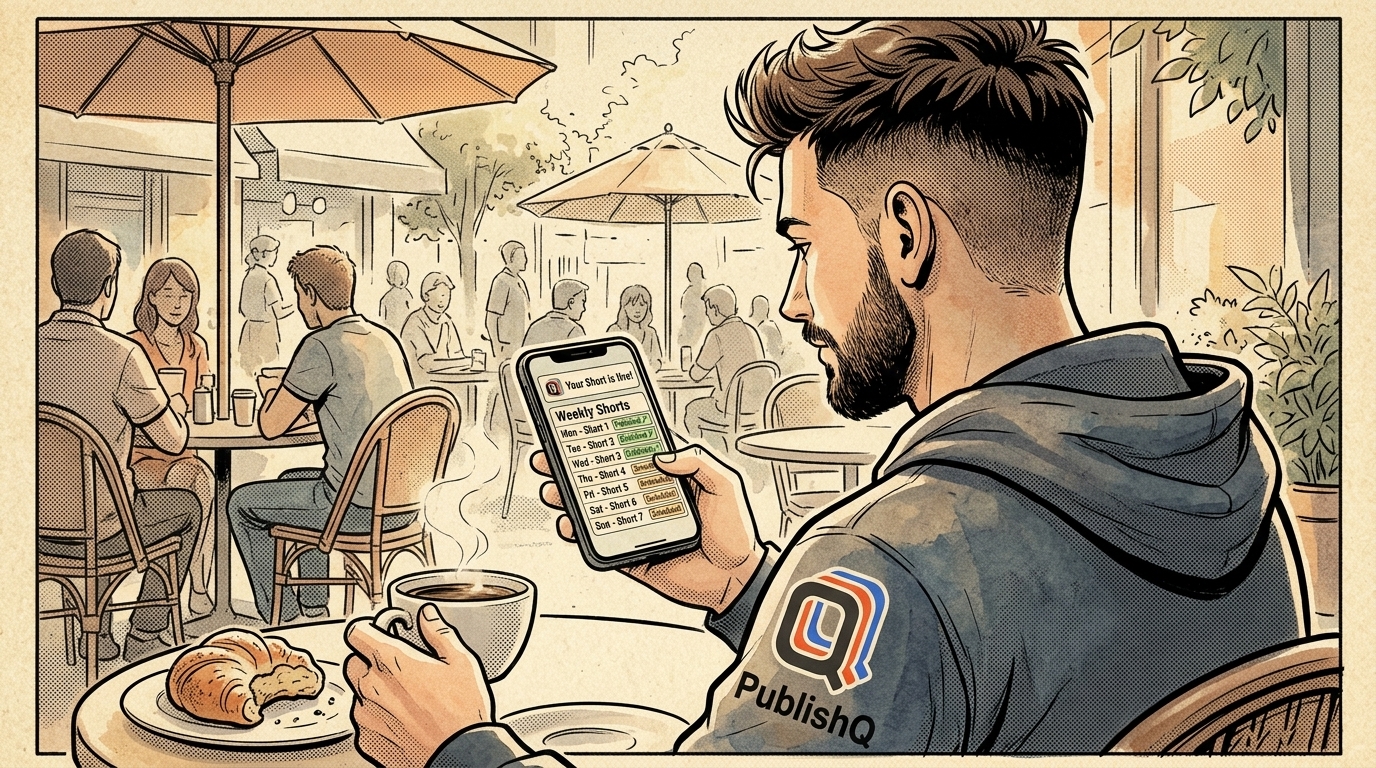
Open the PublishQ calendar each morning. The week shows seven Shorts, one per day, so you can see at a glance that yesterday's went out. If something changed (a sponsor asked you to hold Thursday's video, or a topic suddenly got timely), open the post and move or cancel it before it goes out, or ask your agent to. The YouTube scheduler page walks through the scheduling screen.
Using a different agent
Claude Code, Cursor and Codex are above. If you work in another agent, its YouTube page has the setup and prompts: Claude Cowork, Gemini CLI, Kiro, Manus, Hermes Agent, OpenClaw and Muse. The pages for Claude Code, Cursor and Codex go further than this article does.
For any other agent, open publishq.com/agents and paste the line at the top of that page into your agent. It sets itself up and sends you a link to approve the login in your browser.
Batch your first week this Sunday
Make seven Shorts, watch them, put them in one folder and approve one plan. Create your PublishQ account, connect your channel, and the week you approved goes out one Short a day.
Footnotes
-
Upload schedule tips - Shorts (2026-11) - YouTube's advice on a sustainable, consistent Shorts schedule, filming in batches, saving drafts, and turning clips of existing videos into Shorts ↩ ↩2
-
Understand three-minute YouTube Shorts (2026-11) - square or vertical videos up to three minutes uploaded on or after October 15, 2024 are categorized as Shorts ↩
-
Disclosing use of GenAI content (2026-11) - creators must disclose realistic AI-generated or altered content; non-realistic content does not need disclosure ↩ ↩2
-
Quota and compliance audits, YouTube Data API (2026-11) - default allocation of 100 videos.insert calls per day and the audit required before requesting more quota ↩