

 Alexandro
Table of Contents
A Bluesky MCP server is what lets Claude Code, Cursor, Codex or another agent like OpenClaw or Muse post to Bluesky for you. You connect your Bluesky account once in PublishQ, add the server to your agent, and ask for a post:
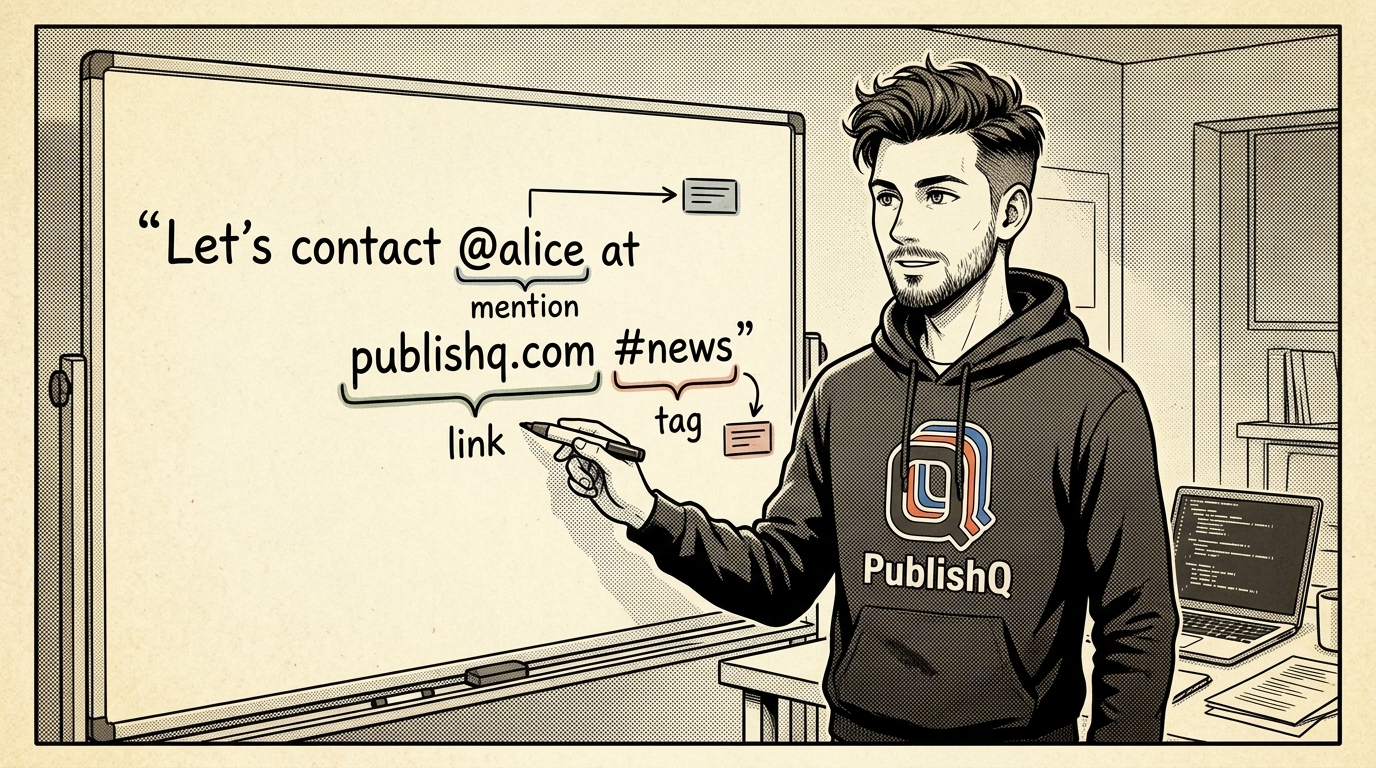
claude mcp add --transport http publishq https://publishq.com/mcpApprove it in the browser, then try "Post to Bluesky: shipped the new docs today, thanks @alice.bsky.social https://example.com #buildinpublic". The mention, the link and the hashtag all come out clickable. On Bluesky, that part takes real work.

Why Bluesky posts are trickier than they look
On most platforms, you send text and the platform finds the links and mentions in it. Bluesky works differently. A post is a small record in your account's repository on the AT Protocol, and the text is stored as plain characters. Anything clickable is a separate piece of data called a facet. A facet says "characters 34 to 51 are a mention of this account" or "these characters link to this URL", counted in bytes, not letters.
So an app that just sends your text gets a post where @alice.bsky.social and the link are dead text. To make them work, it has to find each mention, look up the account behind the handle, find each link and hashtag, and work out the byte positions, which shift as soon as there's an emoji or an accented letter in front of them.
What the server does for you
PublishQ does all of that on every post. It turns mentions, links and hashtags into facets automatically. A handle that doesn't exist stays plain text instead of breaking the post. So your agent sends normal text, the same way it would for X or Threads:
{
  "content": "Wrote up how the MCP server works: https://publishq.com/docs",
  "accounts": [{ "accountId": "12ab34cd-56ef-7890-ab12-cd34ef567890" }],
  "scheduledAt": "2026-11-13T16:00:00Z"
}
There are no Bluesky settings to pass. The account ID is all it needs, which the agent gets from publishq_list_accounts.
Photos and video: the other half
Media on Bluesky is uploaded as blobs and attached to the post with its size and aspect ratio. For your posts, that means:
- Up to 4 photos per post (JPEG, PNG or WebP). Bluesky caps each image at 2 MB, so PublishQ resizes and compresses larger ones first.
- One MP4 video per post, up to 3 minutes and 100 MB. Bluesky's video service processes it before the post goes out, so it plays as soon as people see it. Video uploads need a verified email on the Bluesky account.
- The aspect ratio is attached for you, so vertical photos don't show up cropped into squares.
- Photos and a video don't go in the same post.
Text is optional when you attach media, and when there is text, Bluesky allows 300 characters.
Using it from your client
| Client | Setup |
|---|---|
| Claude Code | The command above, then Authenticate in /mcp. Prompts on the Claude Code Bluesky page. |
| Cursor | {"mcpServers": {"publishq": {"url": "https://publishq.com/mcp"}}} in ~/.cursor/mcp.json. See the Cursor Bluesky page. |
| Codex | npx @publishq/cli@latest login, then codex mcp add publishq -- npx -y @publishq/mcp@latest. See the Codex Bluesky page. |
| Claude, ChatGPT | Add https://publishq.com/mcp as a custom connector or app. |
| Muse | See Bluesky from Muse |
| OpenClaw | See Bluesky from OpenClaw |
| Hermes Agent | See Bluesky from Hermes Agent |
| Manus | See Bluesky from Manus |
| Kiro | See Bluesky from Kiro |
| Gemini CLI | See Bluesky from Gemini CLI |
| Claude Cowork | See Bluesky from Claude Cowork |
| Any other agent | Copy the line at the top of publishq.com/agents into it |
Cross-posting without retyping
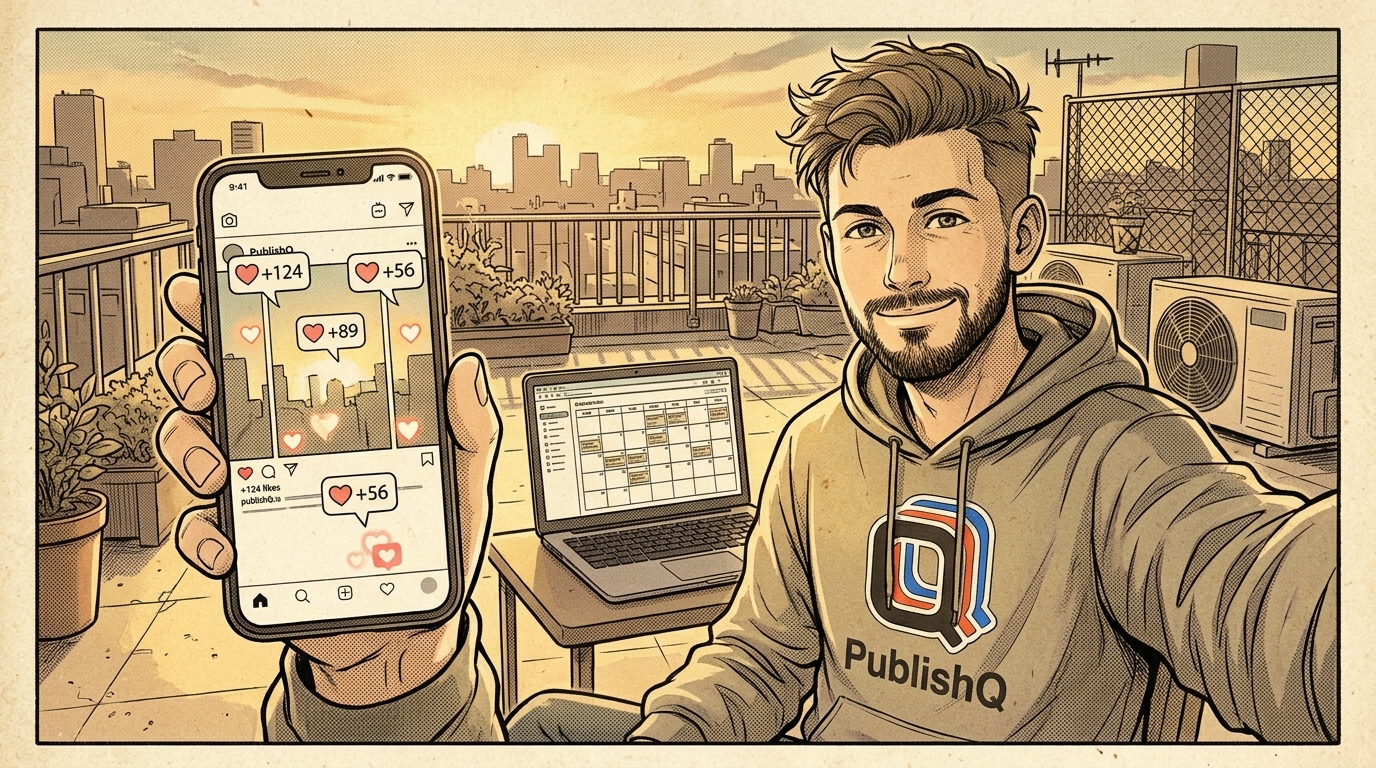
Most people post the same update to Bluesky, X and Threads. One publishq_create_post call takes all three accounts, and postOverrides gives each its own wording, which helps with Bluesky's 300-character limit. Schedule it, and the Bluesky scheduler shows it on your calendar. Before it goes out, the Bluesky post previewer shows how it will look.
Reference
The Bluesky API guide has every detail, Bluesky's limits are on one page, and the MCP docs list every tool. If you post images, the Bluesky carousel generator makes slides sized for it.
Create a PublishQ account, connect Bluesky, and send a post with a mention and a link. Click both.